





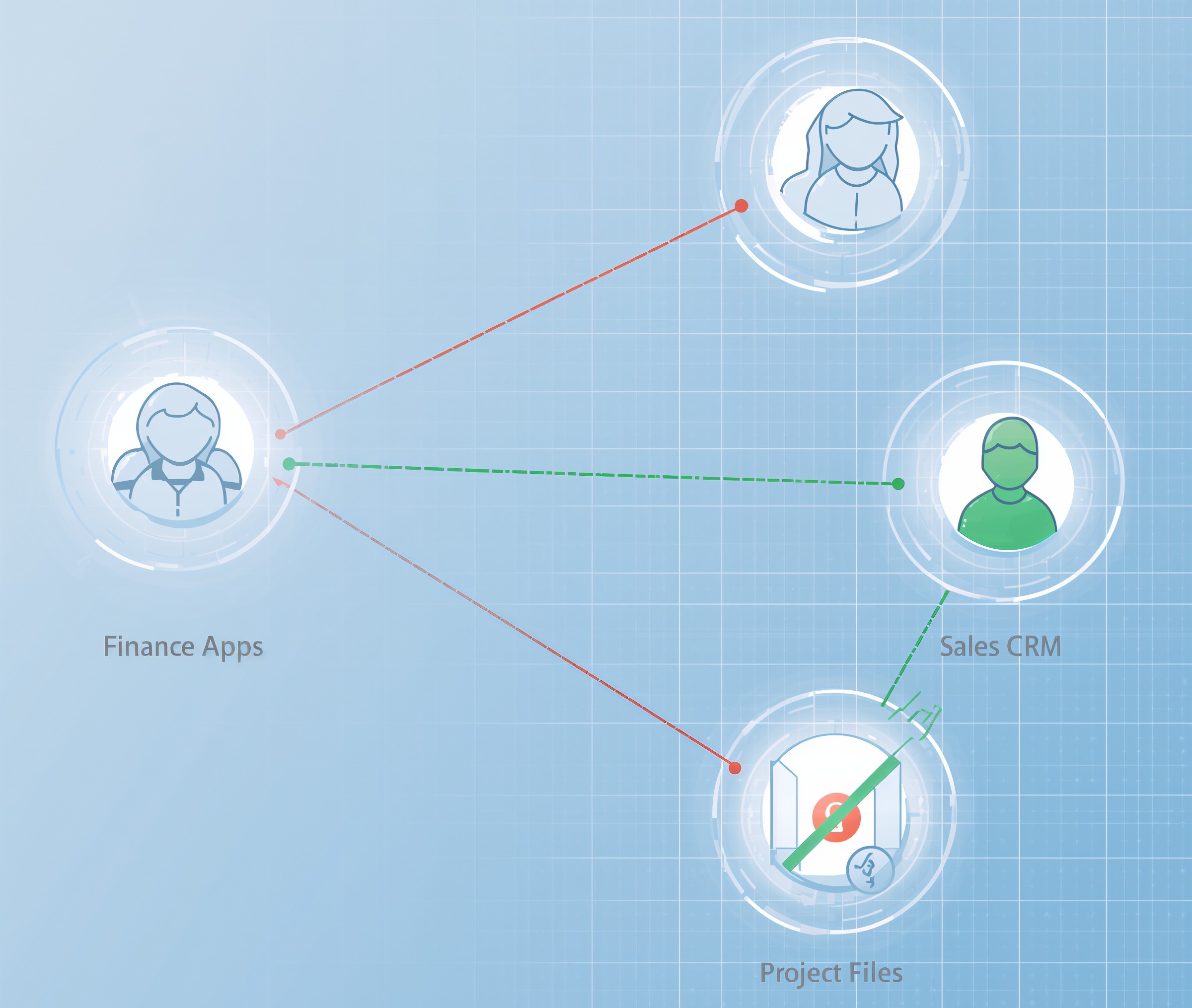
Remote work erased the office perimeter, but it didn’t erase risk. You can protect a small, distributed team without heavyweight tools: adopt Zero Trust principles, replace broad VPN trust with per-request checks, and carve your environment into small, understandable zones. With a “micro-segmentation lite” approach, you reduce lateral movement, keep business apps reachable, and control cost.
What Zero Trust means for a small business
Zero Trust assumes no implicit trust from location or network. Every access request proves identity, device health, and authorization, then gets the minimum privilege needed. It’s not a product; it’s a set of practices that move you away from a castle-and-moat VPN toward user- and device-centric decisions. Start small, focus on your most important applications, and expand as you learn.
Why remote work pushes you there
Home networks vary, devices change hands, and traditional split-tunnel VPNs can expose broad internal ranges. Attackers exploit that breadth to land, pivot, and persist. By shifting enforcement closer to the user, the device, and the app rather than the subnet you remove the easy win. Google’s BeyondCorp popularized this approach for remote teams; the core idea works for small businesses too.
Micro-segmentation lite: what it is
Full enterprise micro-segmentation can feel heavy. “Lite” means you segment at pragmatic boundaries you already understand: user devices vs. servers, SaaS vs. self-hosted apps, production vs. back office. You enforce simple, high-signal rules between those zones and verify identity and device posture at the point of access. Because the controls live near your apps and identities not only in the network you cut complexity while keeping attackers contained.
A simple Zero Trust blueprint for remote teams
Identify your crown-jewel apps. List who needs them and from which devices. Require strong authentication for every request and check device posture before granting access. Then narrow network pathways so a compromise in one zone cannot roam. You’ll layer identity, device, and network controls so each breach meets a wall.
Step 1: Define three plain-English zones
• Workstations and BYOD
• Business apps and data (servers, databases, self-hosted tools)
• Admin plane (identity, backups, management)
Put every asset into one of these. Document which people or roles use which apps. Simplicity here prevents policy sprawl later.
Step 2: Enforce strong identity everywhere
Turn on phishing-resistant MFA for all users. Prefer passkeys or platform authenticators in modern browsers. Pair MFA with conditional access: if the device is unknown or unhealthy, deny or require additional checks. These are the highest-ROI moves you can make for remote teams.
Step 3: Replace broad VPN trust with app-level access
Instead of dropping laptops onto a big “internal” network, publish critical web apps through an access proxy or ZTNA service that evaluates identity and device posture on each request. Keep RDP/SSH behind brokered access with short-lived credentials. This mirrors the BeyondCorp pattern and removes the need for a flat, trusted VPN.
Step 4: Do micro-segmentation lite in the network you have
Start with coarse boundaries: block workstation-to-workstation traffic; allow workstations to reach only the app front ends they need; restrict server-to-server flows to documented ports. For SaaS, rely on identity-aware controls and IP restrictions from your secure egress. Because the rules describe business flows, they stay readable, testable, and durable.
Step 5: Tighten admin pathways
Put domain controllers, identity providers, and backup systems in the admin plane. Allow management traffic only from a hardened jump box or privileged access workstation. Never browse or check email from that admin device. Short-lived elevation beats standing admin rights, and strong logging on these junctions helps you prove control.
Step 6: Shrink lateral movement with least privilege
Grant the minimum roles needed inside each app. Prefer group-based assignments over individual exceptions. Re-certify access quarterly. If a user changes teams, remove yesterday’s roles first, then add today’s. Inside the network, keep default-deny stances between zones; explicitly allow only what each workflow requires.
Step 7: Check device health before access
Require core posture: disk encryption, screen lock, OS support status, and endpoint protection. Block access from jailbroken or outdated devices. For contractors and BYOD, use a browser-isolated path or VDI so data never lands on an unmanaged endpoint. The policy should adapt in real time: healthy devices proceed; unhealthy ones remediate or get a reduced experience.
Step 8: Log what matters and review it
Collect identity events (logons, MFA prompts, conditional access outcomes), admin actions, and east-west denies between zones. Tie app access to a user and a device, not just an IP. Then schedule a short, recurring review so findings turn into fixes. Maturity models from CISA help you pick the next improvement without guessing.
Step 9: Phase changes to avoid breakage
Pilot with one application and one team. Watch help-desk volume, measure successful logons, and confirm that legitimate traffic flows while unwanted paths stop. Expand to the next app only after you stabilize the first. Small wins, repeated quickly, beat a giant leap that stalls mid-flight.
Step 10: Write the one-page runbook
When someone new joins or a laptop gets replaced, your runbook should explain how to register a device, request access, and recover a locked account. Keep it in plain language. Because remote teams move fast, this one page will save hours and prevent bypasses.
How this protects a remote small business
Attackers count on wide internal reach and stale credentials. Micro-segmentation lite removes the first; Zero Trust access removes the second. Compromise of a single laptop no longer opens your whole office network. A phished password alone no longer buys entry. Each request proves user and device; each zone blocks sideways movement. As a result, incidents shrink, outages shorten, and customers feel fewer bumps.
A quick starter plan (30 days)
Week 1: Turn on phishing-resistant MFA for everyone. Publish one internal web app behind identity- and device-aware access.
Week 2: Create the three zones and block workstation-to-workstation traffic. Restrict server flows to documented ports.
Week 3: Move admin tools to a hardened jump box. Require short-lived elevation and log all admin actions.
Week 4: Add posture checks for devices, then expand app-level access to your next two business apps. Review logs; tune policies; document the runbook.
FAQs
Is Zero Trust overkill for a small business?
No. Start with identity, device posture, and a few clean network boundaries. You’ll get most of the benefit without big-vendor complexity.
Do we still need a VPN?
Sometimes for legacy protocols. However, for web apps, identity-aware access beats dropping laptops into a trusted subnet. Reduce VPN scope as you move apps behind per-request checks.
What’s the difference between full micro-segmentation and “lite”?
Full programs model every workload flow. “Lite” draws broad zones that match how you already work, then enforces simple, high-value rules between them. You keep control without drowning in policy.
How do we handle contractors and BYOD?
Use a browser-isolated path or VDI, require MFA, and deny access from unmanaged devices to sensitive apps. Give them role-based access that expires by default.
What breaks first when we tighten access?
Old habits. Broad VPN trust, shared admin accounts, and undocumented server-to-server calls will surface. Fix the flo