





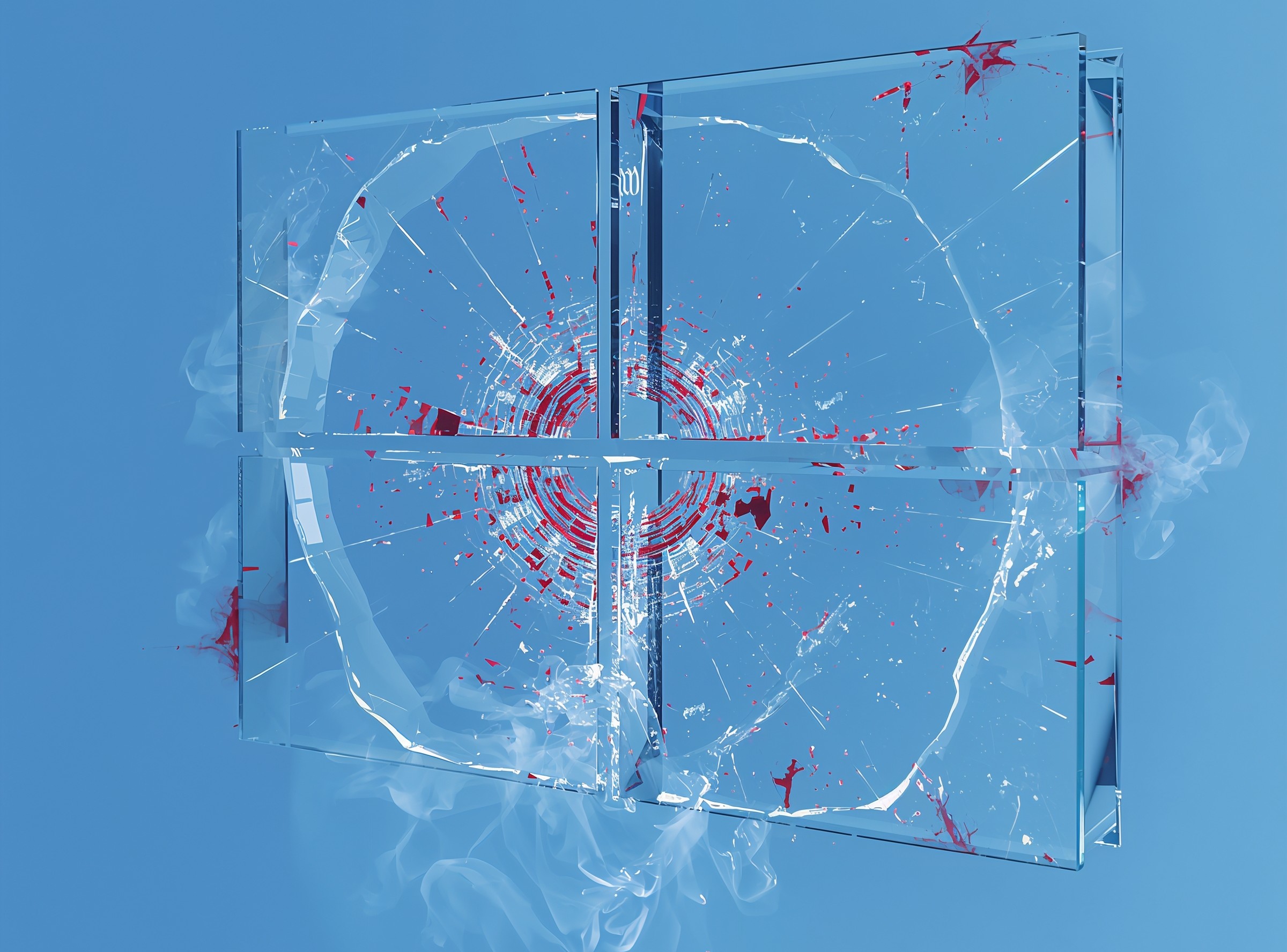
Microsoft’s July 2025 Patch Tuesday package, KB5062553, targets Windows 11 version 24H2 with security fixes, new features, and shell refinements. However, once enterprises pushed this cumulative update into production, many admins started seeing something far more serious than a cosmetic glitch: core shell components stopped working after the first logon.
Instead of the usual Windows desktop, affected users hit empty or half-rendered shells. The Start menu doesn’t open, the taskbar disappears or freezes, and Settings refuses to launch. In many cases, explorer.exe appears to start, then crashes or runs with no visible taskbar at all. In Virtual Desktop Infrastructure (VDI) pools and non-persistent images, this effectively bricks the session until someone intervenes.
Although KB5062553 delivers important security fixes and smaller UX tweaks like taskbar icon scaling and shell improvements, the tradeoff for some environments right now is simple: 24H2 looks fresh on paper, but KB5062553 can leave users staring at a broken Windows shell.
𝗪𝗵𝗮𝘁 𝗘𝘅𝗮𝗰𝘁𝗹𝘆 𝗕𝗿𝗲𝗮𝗸𝘀 𝗶𝗻 𝗪𝗶𝗻𝗱𝗼𝘄𝘀 𝟭𝟭 𝟮𝟰𝗛𝟮 𝗔𝗳𝘁𝗲𝗿 𝗞𝗕𝟱𝟬𝟲𝟮𝟱𝟱𝟯
When KB5062553 lands on a Windows 11 24H2 system, the failures tend to appear at first sign-in after the update, or at the next logon in VDI and non-persistent environments. In those sessions, the OS does not fully bring up the shell’s XAML-based components before explorer tries to render them.
As a result, admins and users report a consistent pattern:
– The Start button does nothing, or throws a “critical error” after logon.
– The taskbar either does not appear or shows briefly, then vanishes.
– The Settings app silently fails when launched from Start > Settings > System.
– Explorer.exe may run but crash repeatedly or stay alive with no taskbar window attached.
– Some sessions show a black or nearly empty desktop, with only a few icons and no functional shell chrome.
Although the article incident focuses heavily on VDI, physical workstations can show the same symptoms during the initial user profile creation after KB5062553, particularly when those devices rely on app provisioning or profile management tools.
From a user’s perspective, this feels like “Windows 11 24H2 core features are completely broken.” From an engineer’s perspective, it’s a race condition in how the shell’s dependencies initialize under load.
𝗧𝗵𝗲 𝗥𝗼𝗼𝘁 𝗖𝗮𝘂𝘀𝗲: 𝗔 𝗫𝗔𝗠𝗟 𝗥𝗮𝗰𝗲 𝗖𝗼𝗻𝗱𝗶𝘁𝗶𝗼𝗻 𝗶𝗻 𝘁𝗵𝗲 𝗪𝗶𝗻𝗱𝗼𝘄𝘀 𝟭𝟭 𝟮𝟰𝗛𝟮 𝗦𝗵𝗲𝗹𝗹
Under the hood, Windows 11 leans on a set of XAML-driven system apps and frameworks to render the Start menu, immersive shell, and modern Settings experience. On affected KB5062553 systems, those XAML packages don’t always finish registering before the shell tries to load them.
Microsoft’s internal analysis points to a race condition between:
– The registration of XAML-based dependency packages, such as:
– MicrosoftWindows.Client.CBS_cw5n1h2txyewy
– Microsoft.UI.Xaml.CBS_8wekyb3d8bbwe
– MicrosoftWindows.Client.Core_cw5n1h2txyewy
– And the shell processes that expect these packages to be ready, including StartMenuExperienceHost.exe, ShellHost.exe, and explorer.exe.
Because the dependency chain races against logon and shell startup, Windows sometimes reaches for those packages before the registration completes. When that happens, components such as the Start menu or System Settings either fail silently or crash out with generic errors.
On non-persistent images and heavily automated VDI pools, this timing window widens. Each logon triggers fresh provisioning of packages and profiles, so any delay or contention in the registration pipeline raises the odds of collision with the shell.
𝗪𝗵𝘆 𝗩𝗗𝗜 𝗮𝗻𝗱 𝗡𝗼𝗻-𝗣𝗲𝗿𝘀𝗶𝘀𝘁𝗲𝗻𝘁 𝗗𝗲𝘀𝗸𝘁𝗼𝗽𝘀 𝗚𝗲𝘁 𝗛𝗶𝘁 𝗛𝗮𝗿𝗱𝗲𝘀𝘁
In a traditional, persistent Windows install, dependency packages register once and usually stay stable across reboots. VDI environments, especially non-persistent ones, work differently. Every time a user signs in, the image may:
– Re-provision UWP and system app packages for that user profile.
– Apply app layering, FSLogix containers, or similar technologies.
– Run logon scripts that mount resources and apply policies in sequence.
When KB5062553 sits on top of that, the timing becomes fragile. If the shell launches explorer and the XAML hosts before the XAML dependencies finish registration, the user never gets a clean Start menu or taskbar. In pools with hundreds or thousands of sessions, even a small probability per logon turns into a steady stream of broken desktops and support tickets.
This is also why some admins see the issue only on “first logon after KB5062553” for a given user or on new VMs spun up from a base 24H2 image, rather than on every sign-in.
𝗧𝗲𝗺𝗽𝗼𝗿𝗮𝗿𝘆 𝗪𝗼𝗿𝗸𝗮𝗿𝗼𝘂𝗻𝗱𝘀: 𝗠𝗮𝗻𝘂𝗮𝗹 𝗣𝗮𝗰𝗸𝗮𝗴𝗲 𝗥𝗲𝗴𝗶𝘀𝘁𝗿𝗮𝘁𝗶𝗼𝗻 𝗮𝗻𝗱 𝗟𝗼𝗴𝗼𝗻 𝗦𝗰𝗿𝗶𝗽𝘁𝘀
Until Microsoft ships a full fix for this Windows 11 24H2 update broken shell behavior, admins have to work around the race. In practice, that means forcing the XAML packages to register before explorer.exe gets a chance to load them.
On persistent desktops, you can repair a broken session by manually re-registering the impacted packages inside the affected user profile and then restarting the shell host. Microsoft’s guidance centers on PowerShell commands that call Add-AppxPackage -Register against the relevant directories under C:\Windows\SystemApps\....
In larger VDI deployments, constantly hand-fixing sessions is not realistic. Instead, many teams wrap these registration steps inside a synchronous logon script that:
– Runs for each session.
– Registers the required XAML packages for that user.
– Only then allows explorer.exe and the shell to initialize.
By blocking the shell until the dependencies come online, admins prevent the race from occurring in the first place. Even so, this approach carries operational risk; any mistake in the script can break logon flows completely, so it belongs in a staging pool first, not a live production farm.
𝗛𝗼𝘄 𝗧𝗵𝗶𝘀 𝗙𝗶𝘁𝘀 𝗶𝗻𝘁𝗼 𝘁𝗵𝗲 𝗕𝗿𝗼𝗮𝗱𝗲𝗿 𝗪𝗶𝗻𝗱𝗼𝘄𝘀 𝟭𝟭 𝟮𝟰𝗛𝟮 𝗤𝘂𝗮𝗹𝗶𝘁𝘆 𝗦𝘁𝗼𝗿𝘆
From a defender’s point of view, KB5062553 is not an isolated “oops.” Windows 11 24H2 has already seen:
– BSODs with SECURE_KERNEL_ERROR in earlier updates.
– Storage devices disappearing or misbehaving after 24H2 security updates.
– Video playback failures in certain DRM-protected content after KB5064081.
– Recovery environment input loss and BitLocker recovery loops after later cumulative updates.
Microsoft’s own release-health notes for Windows 11 24H2 show a long list of known issues and mitigations, from Task Manager staying alive in the background to IIS websites failing and smartcard authentication breaking until follow-up patches arrived. ssage is clear: 24H2 brings real functionality and security improvements, but every cumulative update especially a large one like KB5062553 needs to go through tightly controlled rings and VDI-specific testing before it reaches production images.
𝗪𝗵𝗮𝘁 𝗔𝗱𝗺𝗶𝗻𝘀 𝗦𝗵𝗼𝘂𝗹𝗱 𝗗𝗼 𝗡𝗼𝘄
For organizations already hit by Windows 11 24H2 features broken after KB5062553, the response plan should focus on containment and predictability. First, identify every 24H2 system that installed KB5062553. Release-health tooling, RMM reports, or vulnerability scanners that flag missing 5062553 often make this step easier. Second, prioritize VDI pools, non-persistent images, and first-logon scenarios, because those environments show the worst breakage when shell components fail.
Third, where possible, delay further rollouts of KB5062553 into sensitive VDI pools until you:
– Validate the manual package-registration workaround or scripted logon wrapper.
– Confirm that test users can log on repeatedly without Start, taskbar, or Settings regressions.
Fourth, consider pushing impacted users toward newer 24H2 builds that incorporate subsequent cumulative updates (for example, builds that include KB5062660 or later), once you verify that those builds do not reproduce the shell regression.
Finally, adjust your patch-ring design around Windows 11 24H2 so that:
– VDI and non-persistent decks sit in slower, heavily monitored rings.
– Hardware-diverse pilot groups exercise core shell functions before you touch production.
𝗙𝗔𝗤𝘀
Q: Is this a bug in Windows 11 24H2 itself or only in KB5062553?
A: The behavior appears when Windows 11 version 24H2 installs the July 2025 cumulative update KB5062553, which advances the OS to build 26100.4652. The update exposes a race in XAML dependency registration that breaks core shell features like Start, taskbar, and Settings under certain conditions, especially at first logon and in non-persistent desktops.
Q: Why do VDI environments seem to suffer more from this issue?
A: VDI and non-persistent desktops reprovision user packages and profiles more aggressively at logon. Because KB5062553 introduces a timing-sensitive registration of shell dependencies, that provisioning pressure makes the race more likely and leaves more users stuck with missing shell components after sign-in.
Q: Can I fix a single broken session without reimaging the VM?
A: In many cases, yes. Running Add-AppxPackage -Register against the relevant XAML system app directories inside the affected user profile, then restarting the shell host, restores the Start menu, taskbar, and Settings. For VDI, you can embed that logic in a logon script, although you should test carefully before broad rollout.
Q: Does Microsoft offer an official resolution for this KB5062553 shell problem yet?
A: Microsoft has acknowledged multiple 24H2 quality issues in its release-health documentation and continues to ship follow-up cumulative updates such as KB5062660 and KB5067036 to resolve specific regressions.
Q: Should we stay on 24H2 or jump straight to 25H2 instead?
A: That decision depends on your hardware, application compatibility, and change-management appetite. Microsoft now strongly encourages movement toward 25H2, and many fixes for earlier 24H2 issues land in later branches.




One thought on “KB5062553: Windows 11 24H2 Update Breaking Multiple Features”